
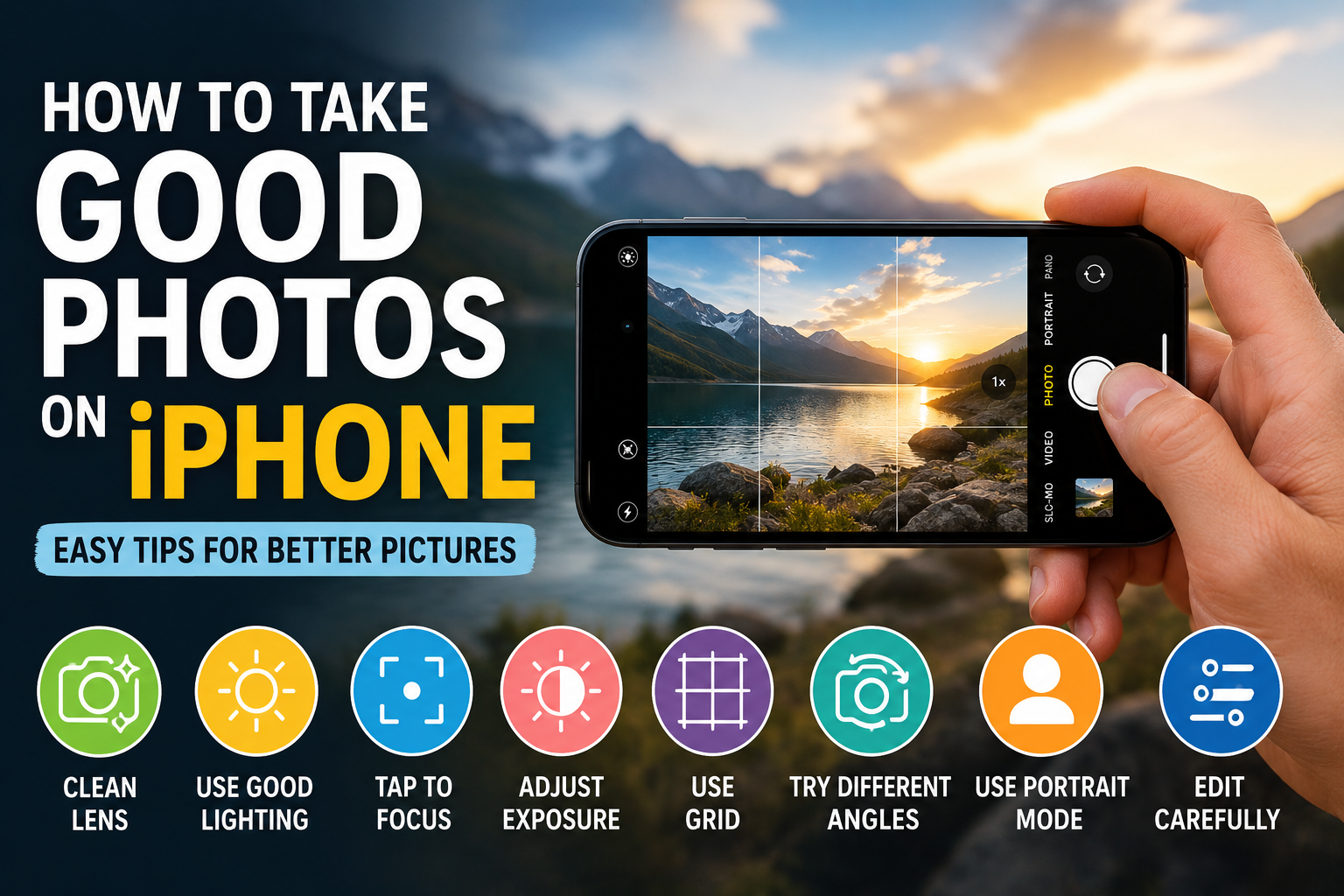
Learning how to take good photos on iPhone is easier than many people think. Modern iPhones have powerful cameras, but good photography is not only about the camera. Lighting, focus, composition, and the way you capture a subject can all make a big difference.
In this guide, you will learn simple and practical tips to improve your iPhone photography and take clearer, more attractive pictures.
2. Clean Your iPhone Camera Lens
One of the simplest tips for how to take good photos on iPhone is keeping your camera lens clean.
Your phone is used throughout the day, so fingerprints, dust, and dirt can collect on the camera lens. This may make photos look blurry or less clear.
Before taking an important picture, gently clean the lens with a soft microfiber cloth.
3. Use Good Lighting
Good lighting is one of the most important parts of photography. Natural light can help your photos look brighter and more detailed.
Try taking pictures near a window or outdoors when the lighting is soft. Avoid extremely harsh light when possible, and make sure your main subject is visible.
4. Tap to Focus on Your Subject
Your iPhone camera can automatically focus, but sometimes it may focus on the wrong part of the scene.
Before taking a photo, tap the main subject on your screen. This tells your iPhone where you want the camera to focus.
Using focus correctly is an important step when learning how to take good photos on iPhone.
5. Adjust Exposure and Brightness
Sometimes your photo may look too dark or too bright.
After selecting your focus point, adjust the exposure to control the brightness of the image. Small adjustments can help you capture more balanced photos.
Try not to make the image too bright, as important details may disappear.
6. Use Grid Lines for Better Composition
The camera grid can help you take better-composed photos.
You can use the grid to position your subject more carefully and create a balanced image. Instead of placing everything directly in the center, experiment with positioning your subject along the grid lines.
7. Try Different Angles
Don’t always take photos from the same position. Experiment with different angles:
- Taking a photo from below
- Shooting from above
- Moving closer to capture details
- Taking a wider picture of the surroundings
Trying different perspectives is a creative way to learn how to take good photos on iPhone.
8. Avoid Using Too Much Digital Zoom
Using too much digital zoom can sometimes reduce the quality of your image.
Instead of zooming excessively, try moving closer to your subject when practical. This can help you capture sharper and clearer photos.
9. Use Portrait Mode When Appropriate
Portrait Mode can help make your subject stand out from the background.
It is especially useful for portraits and some close-up photographs. The background effect can create a more professional-looking image.
10. Keep Your iPhone Steady
A shaky phone can result in blurry photos, especially in low-light environments.
Hold your iPhone steadily and take a moment before pressing the camera button. Using both hands can help improve stability.
11. Take Multiple Photos
You don’t always need to get the perfect picture on the first attempt.
Take several photos from different angles or positions. Later, you can compare them and select your favorite image.
12. Edit Your Photos Carefully
The Photos app on your iPhone includes useful editing tools.
- Brightness
- Contrast
- Highlights
- Shadows
- Color
- Sharpness
Use editing to improve your image, but avoid excessive editing that makes the photo look unnatural.
13. Common Mistakes to Avoid
When learning how to take good photos on iPhone, avoid these common mistakes:
- Taking photos with a dirty lens
- Ignoring lighting conditions
- Using too much digital zoom
- Taking photos without checking focus
- Over-editing images
- Always using the same angle
14. Final Thoughts
Learning how to take good photos on iPhone takes practice and creativity. You don’t need professional equipment to capture beautiful pictures.
Focus on good lighting, proper focus, interesting angles, and balanced composition. The more you experiment with your iPhone camera, the better you can understand what makes a photo look great.
Frequently Asked Questions
How can I take good photos on my iPhone?
Use good lighting, clean your camera lens, tap to focus, keep your phone steady, and experiment with different angles.
What is the best lighting for iPhone photos?
Soft natural light is often a good option for clear and attractive photos.
Should I use Portrait Mode on iPhone?
Portrait Mode can be useful for portraits and certain subjects where you want the background to appear softer.
Is editing important for iPhone photography?
Editing can improve brightness, colors, and other details, but small and natural adjustments usually work best.