
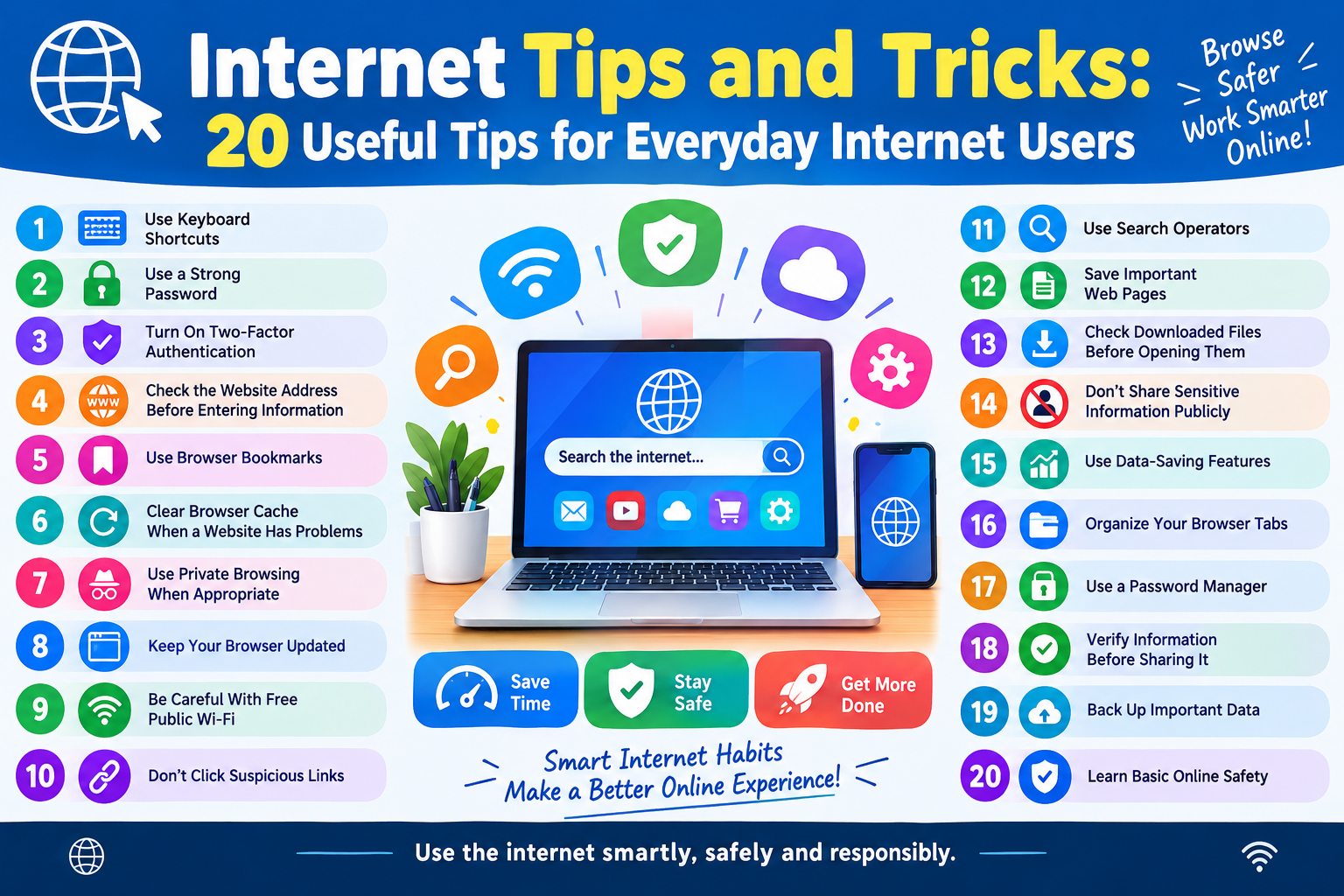
The internet has become an essential part of everyday life. We use it for education, work, shopping, banking, entertainment, communication, and many other activities. However, many people do not know about the simple internet tips and tricks that can make browsing faster, safer, and easier.
In this guide, we will explore 20 useful internet tips and tricks that anyone can use.
1. Use Keyboard Shortcuts
Keyboard shortcuts can save time when browsing the internet.
Some useful shortcuts include:
- Ctrl + T – Open a new tab
- Ctrl + W – Close the current tab
- Ctrl + L – Select the address bar
- Ctrl + D – Bookmark the current page
- Ctrl + F – Find text on a webpage
- Ctrl + R – Refresh the page
- Ctrl + Shift + T – Reopen a recently closed tab
2. Use a Strong Password
Avoid using simple passwords such as your name, birthday, or mobile number.
A strong password should contain a combination of:
- Uppercase letters
- Lowercase letters
- Numbers
- Special characters
Use a different password for important accounts whenever possible.
3. Turn On Two-Factor Authentication
Two-factor authentication (2FA) adds an extra layer of security to your online accounts
Even if someone discovers your password, they may still need a second verification method to access your account.
Enable 2FA for important services such as email, banking, and social media accounts when available
4. Check the Website Address Before Entering Information
Before entering your password, card information, or other sensitive details, carefully check the website address.
Look for:
- The correct domain name
- HTTPS
- Suspicious spelling or unusual domains
Be especially careful with links received through unexpected emails or messages
5. Use Browser Bookmarks
If you frequently visit a website, save it as a bookmark.
Bookmarks can help you quickly access important websites without searching for them every time.
6. Clear Browser Cache When a Website Has Problems
Sometimes a website may not load correctly because of cached files.
You can try clearing your browser cache and then reload the website.
However, clearing cookies can sign you out of websites, so use this option carefully.
7. Use Private Browsing When Appropriate
Most modern browsers offer a private or incognito browsing mode.
It can be useful when you do not want the browser to save local browsing history or cookies from that session.
Remember that private browsing does not make you completely anonymous online.
8. Keep Your Browser Updated
Always use the latest version of your web browser when possible.
Browser updates can include:
- Security improvements
- Bug fixes
- Performance improvements
- New features
Turn on automatic updates if your browser supports them.
9. Be Careful With Free Public Wi-F
Public Wi-Fi can be convenient, but you should be careful when using it.
Avoid performing sensitive activities on an untrusted network when possible, especially if you are unsure about the network’s security.
For important transactions, consider using your mobile data or another trusted connection
10. Don’t Click Suspicious Links
Never click a link simply because a message says you have won a prize, received a reward, or need to urgently verify your account.
Scammers often use urgent messages to make people act without checking the information.
If you receive a suspicious message, visit the company’s official website directly instead of using the link in the message.
11. Use Search Operators
Search engines provide useful commands that can help you find information more quickly.
For example:
- internet tips” – Search for the exact phrase
- site:example.com – Search within a specific website
- filetype:pdf – Find PDF files
- -keyword – Exclude a word from results
These search techniques can be particularly useful for students and researchers.
12. Save Important Web Pages
If you find an important article, guide, or reference, bookmark it for future use.
You can also save useful information in a notes application or document for easier access later.
13. Check Downloaded Files Before Opening Them
Be careful when downloading files from unfamiliar websites.
Avoid opening unexpected files, especially executable files or attachments from unknown sources.
Use security software and keep your operating system updated.
14. Don’t Share Sensitive Information Publicly
Never publicly share sensitive information such as:
- Passwords
- OTPs
- Banking PINs
- Card security codes
- Recovery codes
- Private documents
Legitimate services generally do not need you to share your password or OTP with another person
15. Use Data-Saving Features
If you have limited mobile data, check whether your browser or phone provides data-saving options.
You can also:
- Use Wi-Fi for large downloads
- Avoid unnecessary video streaming
- Reduce video quality when appropriate
- Disable automatic downloads
16. Organize Your Browser Tabs
Having too many open tabs can make browsing confusing.
Group related tabs together or bookmark pages that you want to read later.
Some modern browsers also provide tab groups and tab management features.
17. Use a Password Manager
A password manager can help you securely store and manage multiple passwords.
Instead of remembering every password, you may only need to remember one strong master password.
Choose a reputable password manager and protect your account with strong security settings.
18. Verify Information Before Sharing It
Not everything you see online is true.
Before sharing news, offers, or important information, check the information using reliable sources.
This is especially important for financial, health, legal, and government-related information.
19. Back Up Important Data
Important files should be backed up regularly.
You can keep backups using:
- Cloud storage
- External storage
- Computer backups
- Other trusted backup solutions
Having a backup can help protect your important files if your device is lost, damaged, or affected by malware.
20. Learn Basic Online Safety
The best internet trick is knowing how to recognize online risks.
Remember these basic rules:
- Use strong passwords.
- Enable two-factor authentication.
- Keep your devices updated.
- Avoid suspicious links.
- Don’t share OTPs or passwords.
- Download files only from trusted sources
- Verify information before trusting or sharing it.